Comment by gruez
4 months ago
>Except the steps to to that are disable bitlocker, create a local user account (assuming you initially signed in with a Microsoft account because Ms now forces it on you for home editions of windows), delete your existing keys from OneDrive, then re-encrypt using your local account and make sure not to sign into your Microsoft account or link it to Windows again.
1. Is there any indication it forcibly uploads your recovery keys to microsoft if you're signed into a microsoft account? Looking at random screenshots, it looks like it presents you an option https://helpdeskgeek.com/wp-content/pictures/2022/12/how-to-...
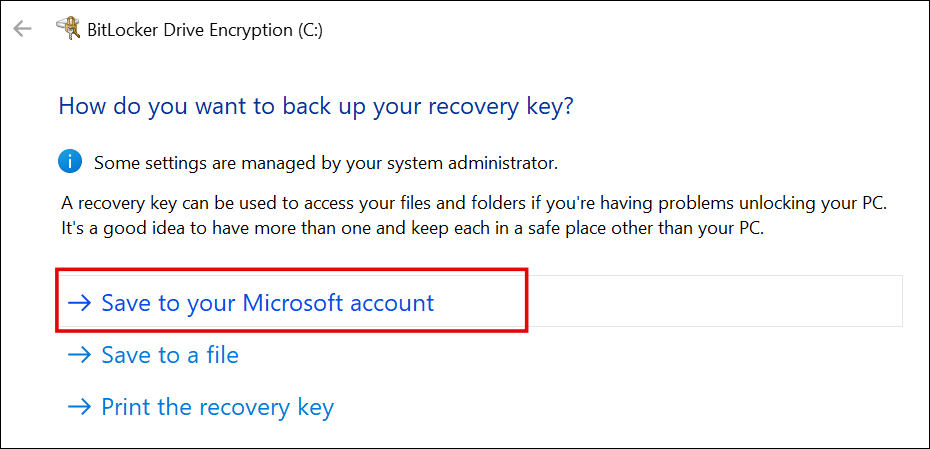
2. I'm pretty sure you don't have to decrypt and rencrypt the entire drive. The actual key used for encrypting data is never revealed, even if you print or save a recovery key. Instead, it generates a "protectors", which encrypts the actual key using the recovery key, then stores the encrypted version on the drive. If you remove a recovery method (ie. protector), the associated recovery key becomes immediately useless. Therefore if your recovery keys were backed up to microsoft and you want to opt out, all you have to do is remove the protector.